For nurseries
Run your nursery with a little more ease.
The register, the children, the staff and the fees, in one place the whole office shares, and each family hears from you in the same app.

Start with the day
Your nursery, a little more organised.
Know who is in, who is away, and who is going home, without walking every room.
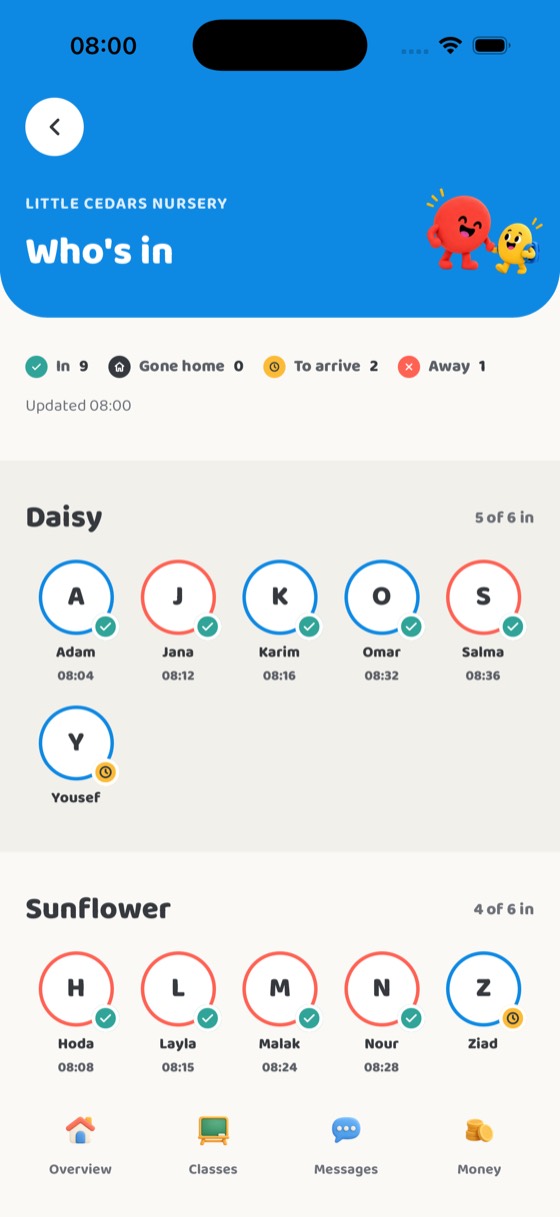
 The register in a few tapsTeachers check each child in and out, “Gone home” at pick-up, with an undo for a wrong tap.
 Who’s in, for the officeEvery child in today, by class, with a call to the family straight from the list.
 Enrolment and child recordsA new child, their class and their family’s phone numbers in one go; allergies, emergency contacts and who may collect in the child’s record.

Keep everyone connected
All the right people, working together.
Families hear from the nursery in one place, not on someone’s personal phone.
 A daily report for every childWritten by the teacher in the room, read by the family at home.
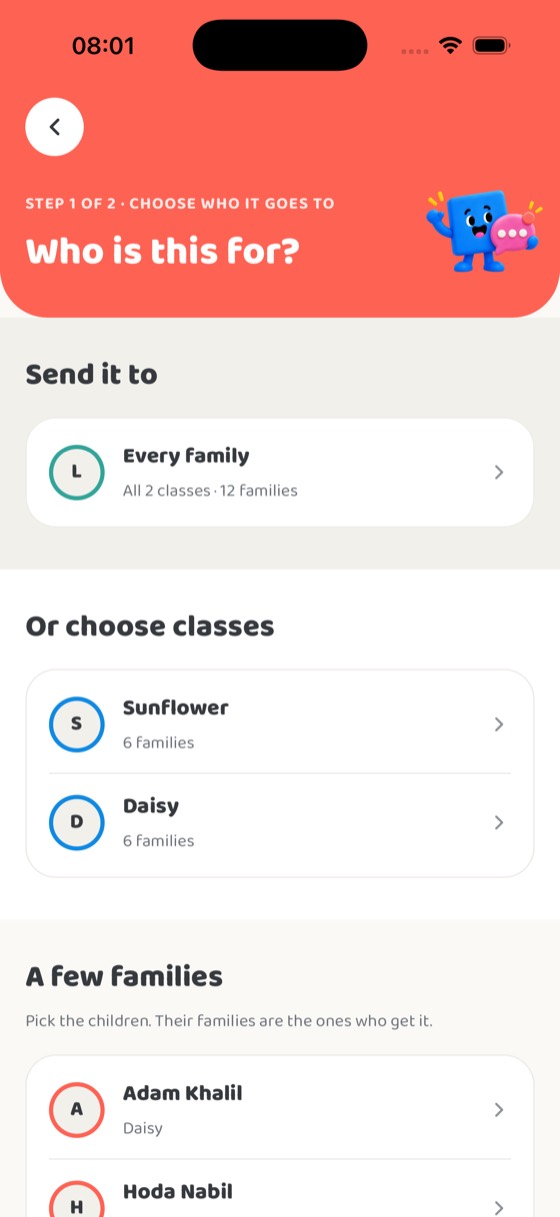
 MessagesTo one family, a whole class, or everyone at once.
 Calendar, events and newsDays off, outings that ask families’ permission, and nursery news.
Make the paperwork lighter
Stay on top of the little details.
Staff, fee plans, bills and what has been paid, kept by the office in one place.
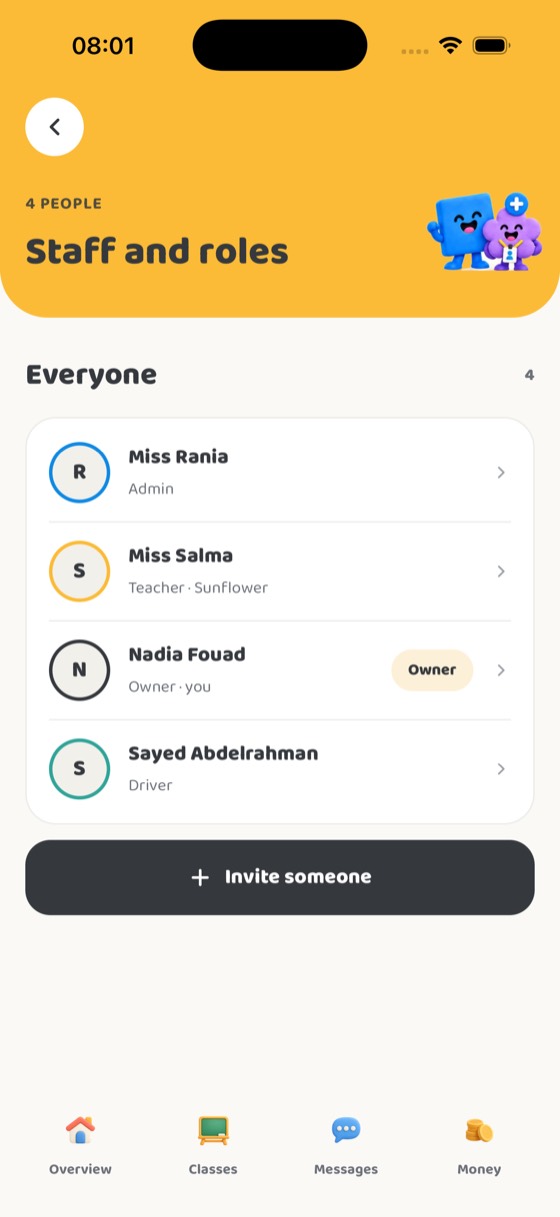
 Your teamAdd teachers and office staff by phone number, change what they do, or switch someone off.
 Fees, bills and paymentsFee plans, a bill for each child, extras such as a trip, and a record of every payment. A family says how they paid; the office confirms it.
 An office that is not just youThe owner chooses which parts an admin may run: money, children and families, staff, publishing and more.
Keep roles clear
Everyone sees what their role needs, and nothing else.
Teachers see their class. Each family sees only their own child. The office sees the nursery. A teacher whose child is enrolled has one account with two roles, never mixed.
 TeachersTheir class, its register, its reports and its families.
 FamiliesTheir own child: the day, the messages, the fees.
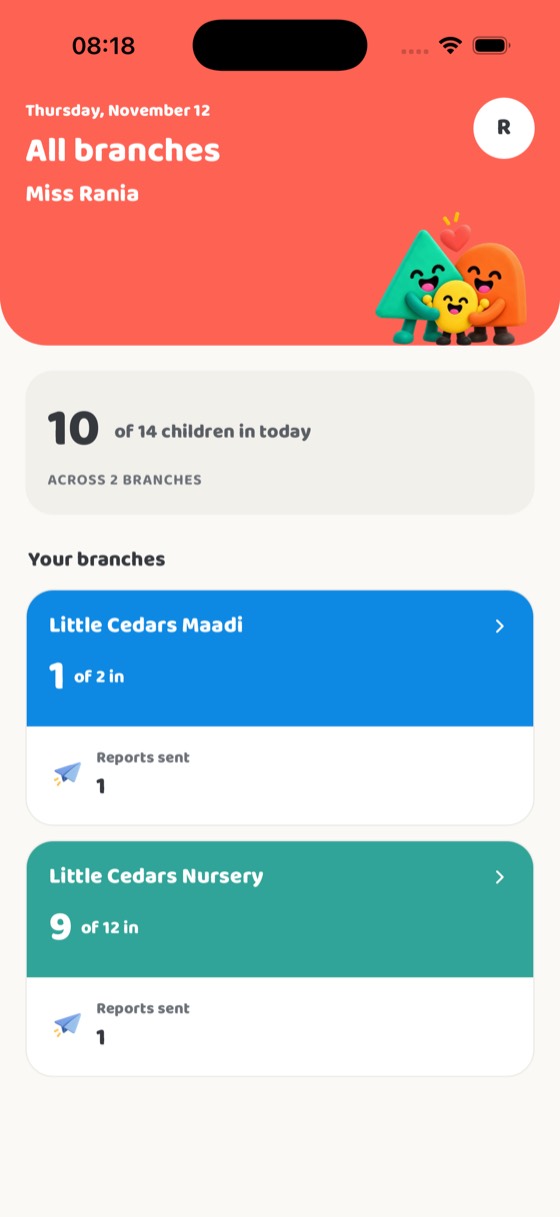
 Every branch at a glanceAn owner with more than one branch sees each one’s day, and switches between them.
How a nursery starts
Nobody signs up on this website. We set your nursery up with you.
- 1Talk to usOn WhatsApp or by email. Tell us about your nursery.
- 2We set you upWe create your nursery and add you, the owner, by your phone number.
- 3Add your peopleYour office adds teachers and families by their phone numbers.
- 4Your first reportEveryone signs in with their number and a code. Teachers send the first reports.